Case study · 2026
AI Voice Studio
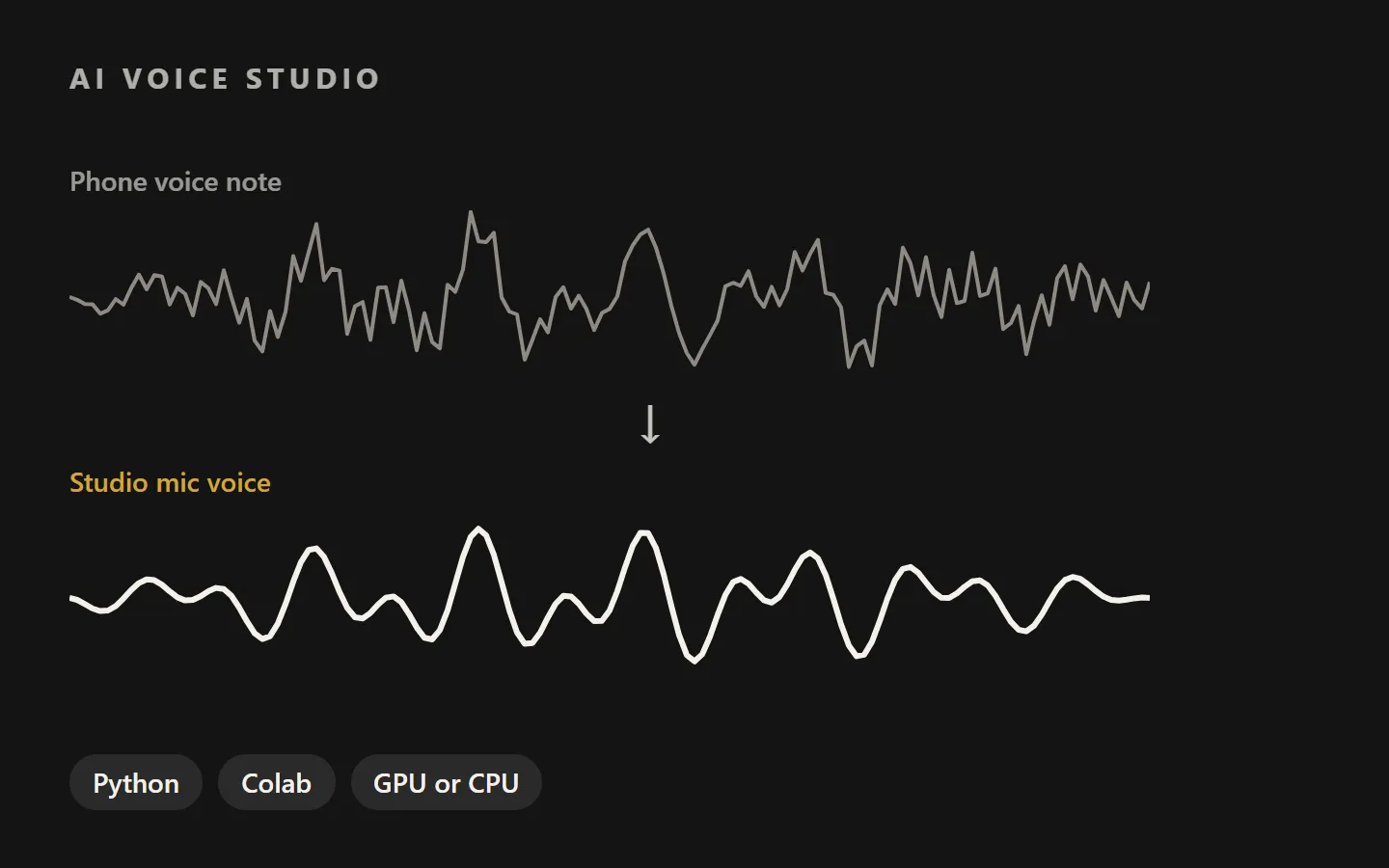
Turns a phone voice note into a studio-mic voice, free and on your own computer. Every Darija tech reel on @justbyamine is voiced with it.
- 2026
- Python
- Gradio
- librosa
- −14
- LUFS, Instagram and TikTok loudness
- 4
- processing steps
- 140 ms
- longest pause kept
- 3
- ways to run it
The problem
Reels get recorded on a phone: room echo, background noise and the thin sound of phone compression. A studio mic and a sound engineer were not an option, so the fix had to be free and run on my own computer.
Four steps
First an AI restoration (resemble-enhance, on the GPU when there is one) removes noise and echo and rebuilds the treble the phone threw away. Then pauses of 180 ms or more are cut to 140 ms, with 8 ms crossfades, and a time map is saved so subtitles can be re-synced. Then a broadcast chain: a high-pass at 60 Hz, warmth at 120 Hz, less "phone box" at 380 Hz, presence at 4.8 kHz, air at 11 kHz, a de-esser and two compressors. Last, a faint room tone so pauses never sound digitally dead.
Loud, without pumping
Automatic loudness tools can quietly switch to a dynamic mode that makes a voice pump. The last step measures the voice once and applies one gain, then a limiter: −14 LUFS with true peaks under −1.5 dBTP, the level Instagram and TikTok expect. Pitch and speed are never touched.
Video in, video out
Drop in a video and you get the video back with the new voice. The picture is copied as it is, and pause tightening is off by default for video, so the voice stays on the lips.
Three ways to run it
A three-step web app (add your voice, clean it up, download, with before and after side by side and a library of saved voices), a command line, or a Colab and Kaggle notebook for anyone without a GPU. The web app only listens on your own machine.
Stack
Python, resemble-enhance, librosa, ffmpeg and Gradio. Open source under the MIT licence.